
01
Smartphone Basics
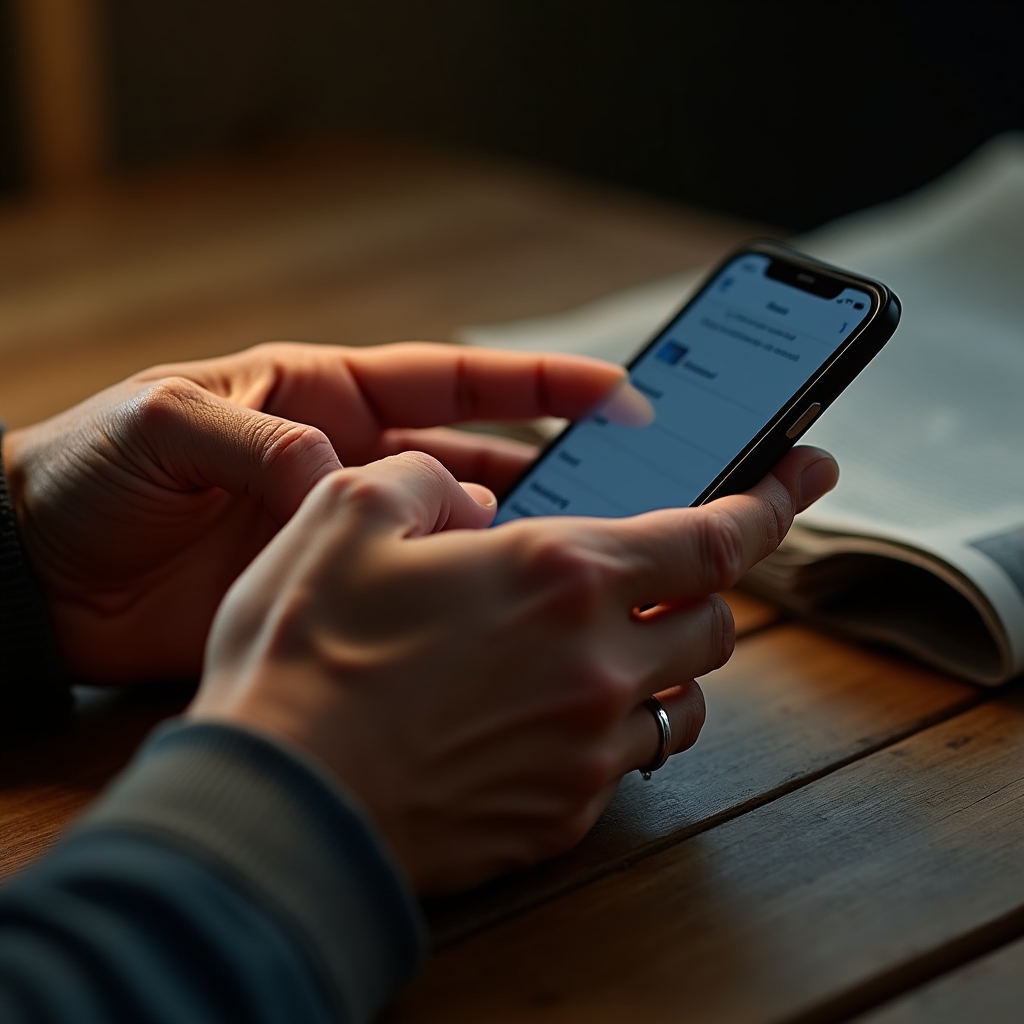
Texting, calling, using the camera, and adjusting the settings people reach for most, like text size and volume.
Tanomi Ropure teaches smartphones, email, video calling, online safety, and everyday apps in plain language. No jargon, no assumptions about what you already know, and no pressure to keep up.


Some learners have never turned on a smartphone. Others have been using one for years but still feel unsure about email attachments, video calls, or whether a text message is really from their bank. Tanomi Ropure was built around that range. Lessons start from wherever a learner actually is, not from where a course assumes they should be.
Every explanation avoids technical shorthand. Instead of "toggle notifications in settings," a lesson might say "there's a small switch near the top of the screen that turns these alerts on or off." The goal is understanding, not memorizing steps that get forgotten by the next session.
Courses can be taken individually or combined into a broader track, depending on how much a learner wants to cover and how quickly they want to move through it.
Neither approach is better across the board. The right one depends on how a learner prefers to absorb new information and how much live guidance feels useful.
Each topic can stand alone or connect into a longer track. Lessons focus on the tasks people actually run into during a normal week.
Texting, calling, using the camera, and adjusting the settings people reach for most, like text size and volume.

Sending and organizing messages, attaching a photo, and learning to spot a message that looks suspicious.
Connecting face-to-face with family and friends, whether they are across town or across the country.

Recognizing common scam tactics, protecting personal information, and knowing when to pause before clicking.

Maps for directions, calendar reminders, banking apps, and sharing photos without losing track of them.
These paths describe how lessons are typically organized. A conversation with our team can help match one to a specific starting point.
For learners who are brand new to smartphones or computers and want a gentle, unhurried introduction.
For learners with some experience who want to round out their skills across several areas at once.
Designed for households or small groups who want to learn together in a shared, relaxed setting.
No assumptions are made about prior experience. The lesson begins from wherever the learner already is.
Learners work on their own phone or computer, since menus and layouts vary between models.
If something needs to be shown again, it's shown again. There's no clock pushing the session forward.
A short plain-language summary follows each session, so the steps are there to reference later.
A look at common patterns in scam calls and text messages, and what tends to separate them from legitimate contact.
Read the article Video CallingFaceTime, Zoom, Google Meet, and WhatsApp all do similar things in slightly different ways. Here's how they compare.
Read the article EmailA cluttered inbox can hide the messages that actually matter. A simple folder system changes that.
Read the articleOur team can talk through course options, scheduling, and what a first session usually covers.